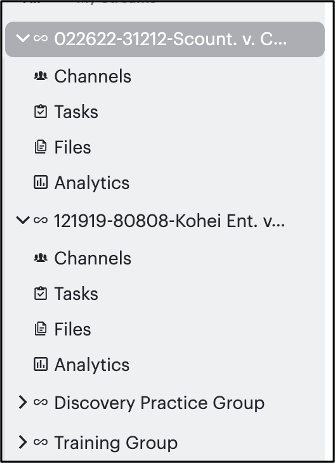
Global Streams Admins can quickly create another Stream from an existing Stream.
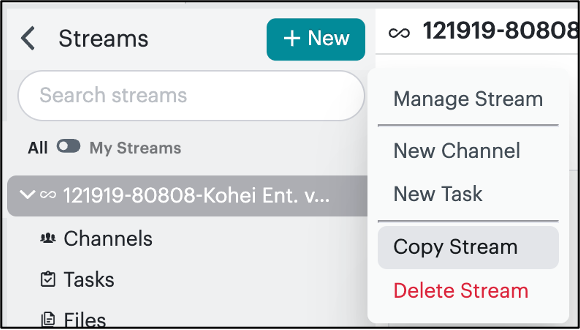
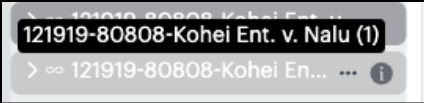
- From the Streams left side bar, click on the “…” of the Stream you want to duplicate and click Copy Stream.

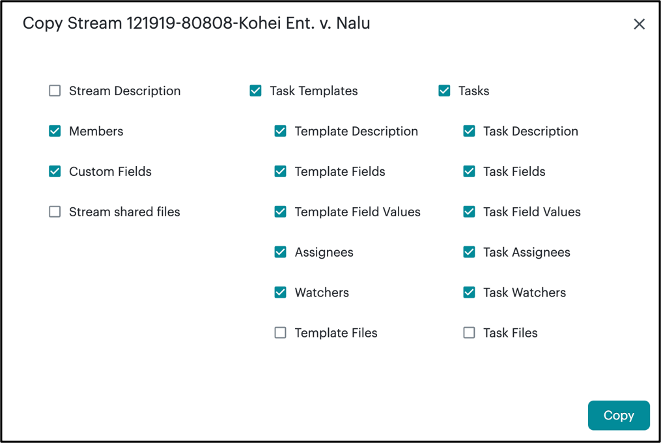
- Select which components of the existing Stream you want to carry over into the new Stream and click Copy.
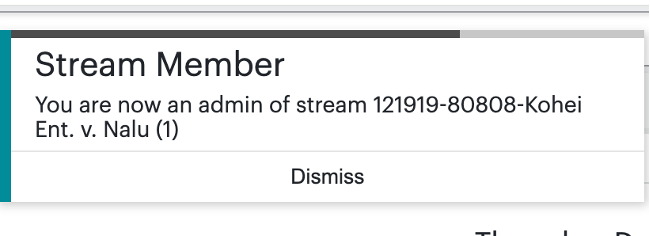
- From the Streams left sidebar menu, click on the “…” and click Manage Stream to edit your new Stream.
- Rename your Stream and update description. Click Save Changes.
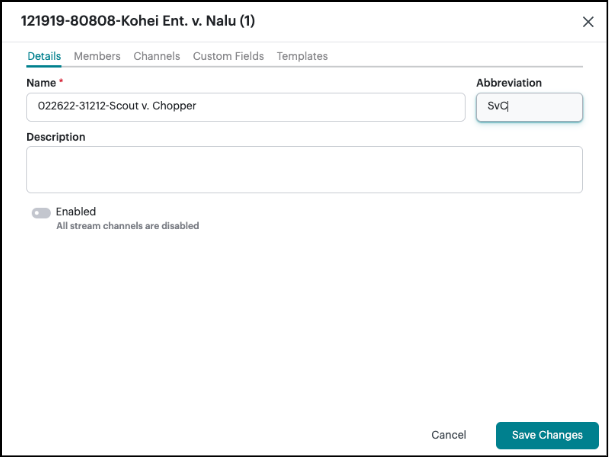
- Modify members (including additional Stream Admins), channels, custom task fields, and/or task templates. Click Save Changes and enable the stream.
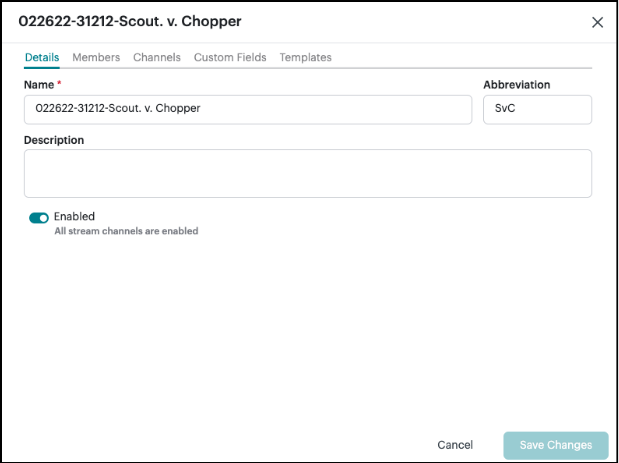
- Your new Stream is ready for use.