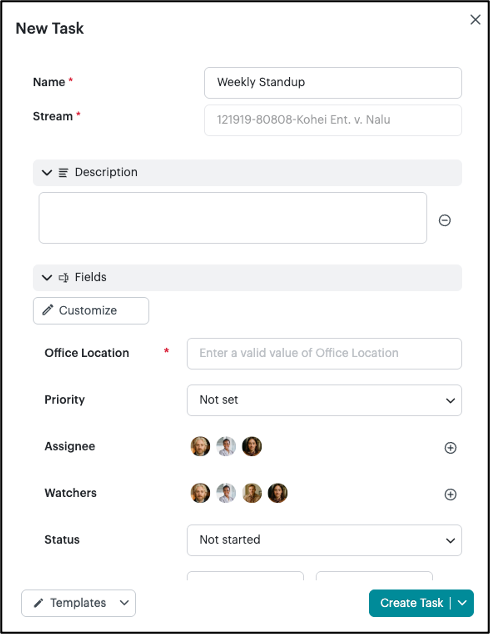
Any member of a Stream can use an existing task template.
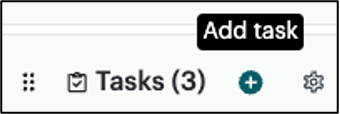
- Start by adding a task.
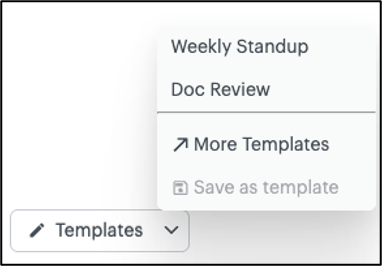
- Click the Templates drop-down menu in the bottom-left corner of the new task. You will see recently created templates to chose from. To see a full list of templates, click More Templates. Select the template that you would like to apply to the task.
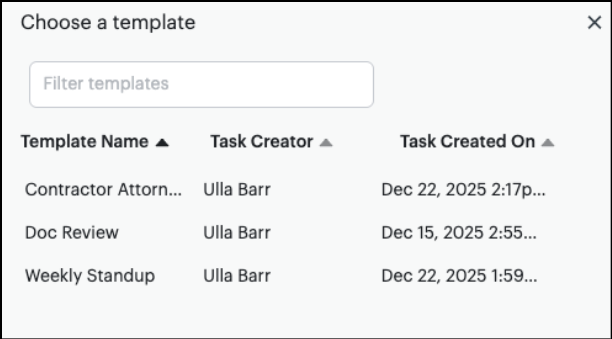
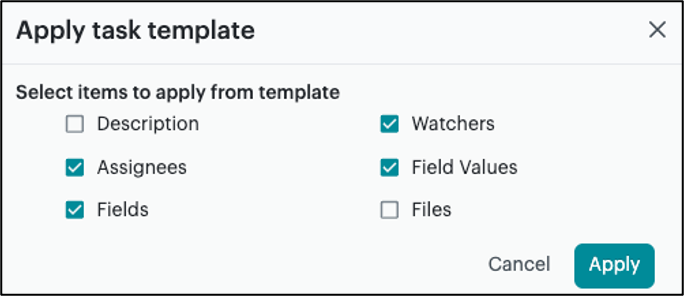
- Select which items to apply from the template and click Apply.
- Once the template is applied, update any fields, if necessary, and click the green Create Task button.