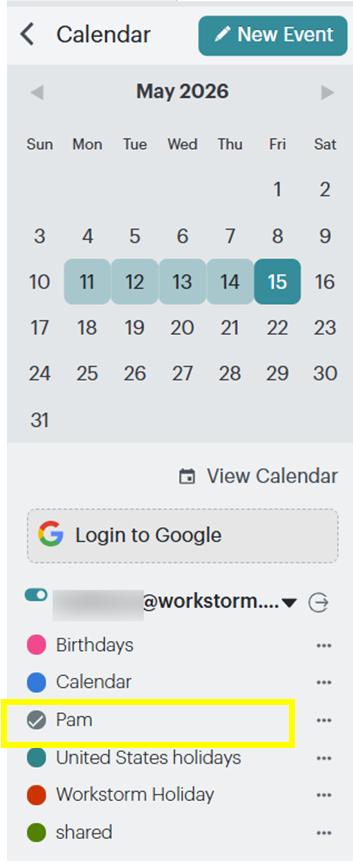
Workstorm calendar allows you to view shared calendars when you connect Microsoft 365. In this help article, Pam wants Jack to be able to see her calendar in Workstorm.
Share your calendar:
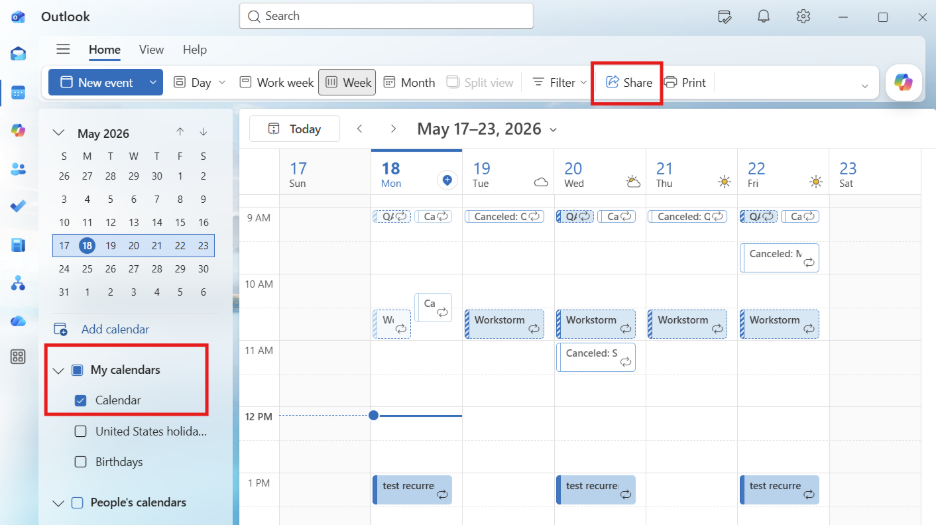
- In Outlook Calendar, select your calendar under My calendars and in the top tool bar, click Share.
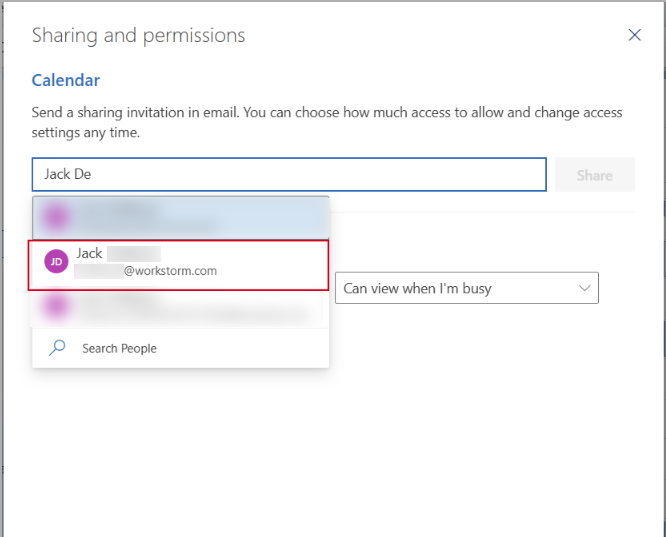
- Search and select the person you want to share your calendar with. Once you’ve selected the permission level, click Share.
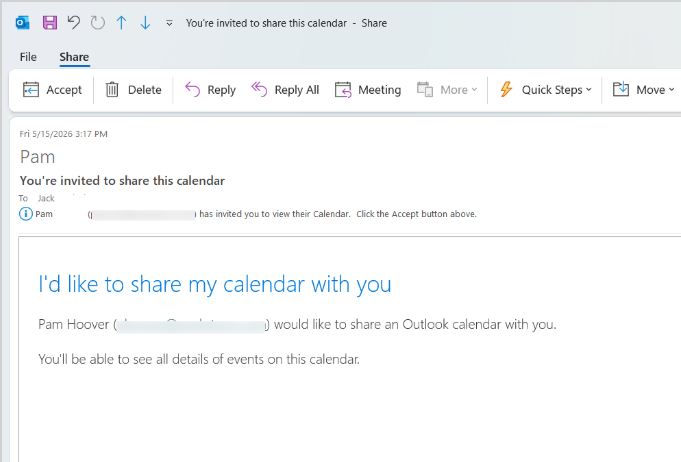
- The person will receive an email to accept the share.
View the shared calendar:
- Once someone has shared their calendar with you, go to Workstorm and click Calendar. You may need to refresh Workstorm.
- You should automatically see the shared calendar listed underneath your account and you can view their calendar in Workstorm.